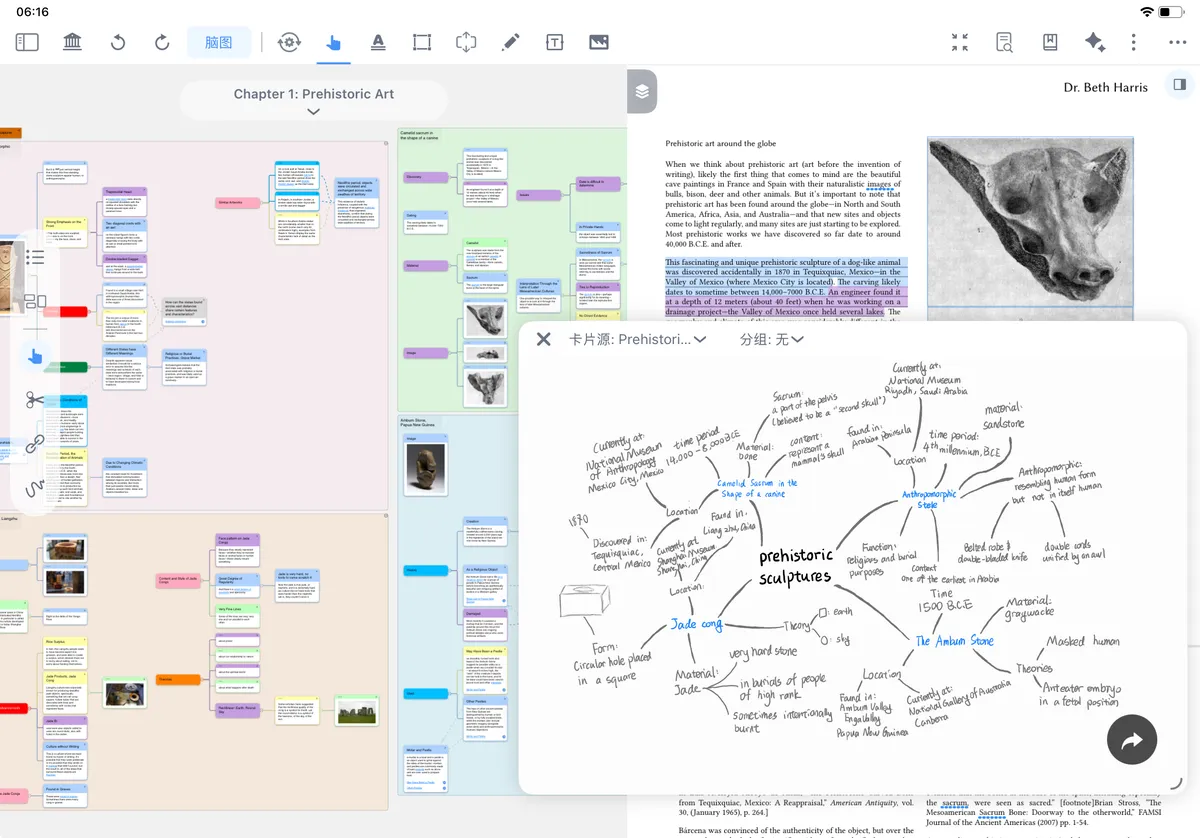
Mind Map Review ①: Active Recall and Self-Testing Methods
💡MarginNote's mind map review feature relies on multi-dimensional hiding mechanisms and scenario-based review modes to build a context-linked active-recall review experience, as follows:
Method Description Best for Cloze recall (tests details) Cover keywords/formulas with cloze blocks and see whether you can say them aloud Memorizing definitions, terms, and formulas; content that requires precise recitation Title spot-check (tests the main structure) Show only card titles and hide the detailed content Quick spot-checks after studying a chapter; lightweight review in spare moments Expand nodes level by level (tests structure) Start from the root node and expand and recall child nodes layer by layer Checking the completeness and hierarchical relationships of your knowledge framework Child mind map recall writing (tests complete knowledge content) Draw the entire mind map from memory on a blank mind map Weekly review and pre-exam final review; testing long-term memory If this is your first time doing mind map recall, we recommend starting with a "title spot-check" to quickly locate weak spots, then using "cloze recall" on those weak spots to reinforce the details, and finally using "child mind map recall writing" to find and fill gaps across the whole chapter.
1 Cloze Recall: Self-Test Knowledge-Point Details
1.1 Create Clozes (Word-Segmentation Bubbles / Highlighter) and Turn On Recall Mode to Self-Test
Method 1: Use Word-Segmentation Bubbles (recommended for text content)
-
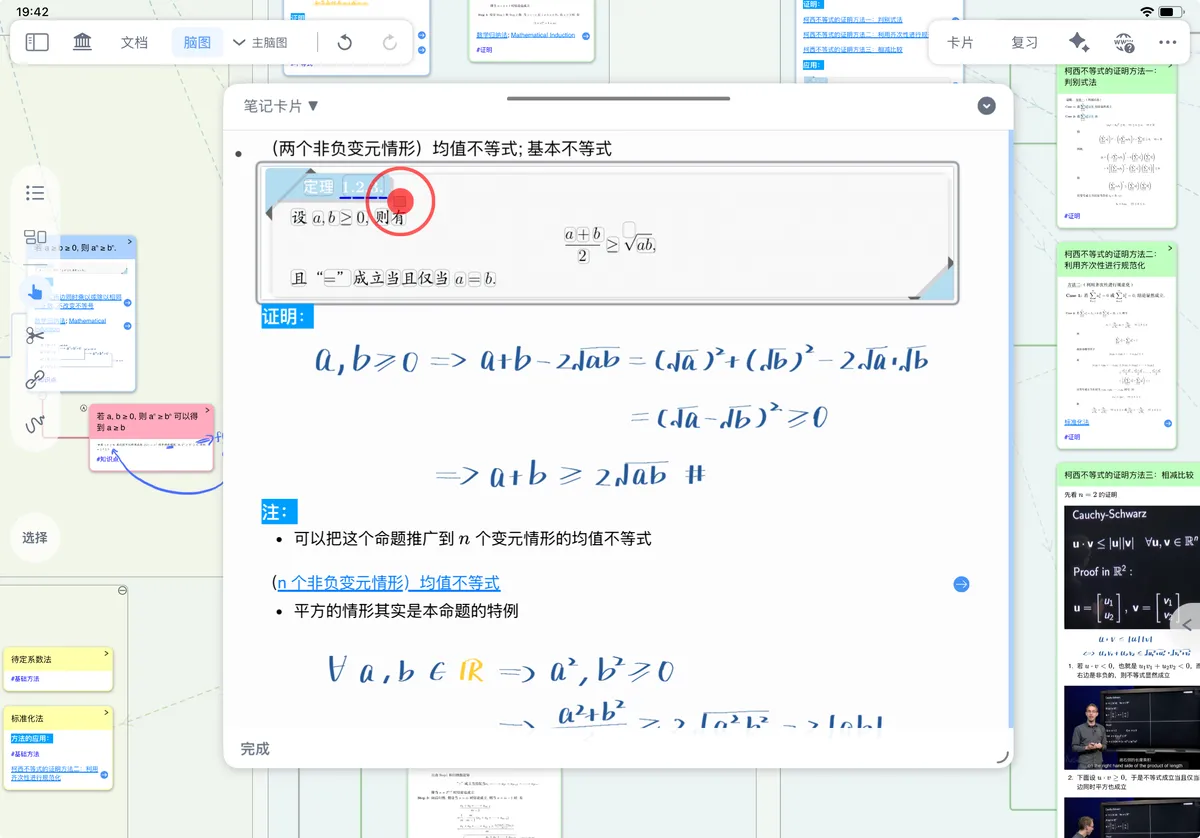
If you use cloze-based recall (fill-in-the-blank / highlighter / hidden handwriting), you must first create the clozes on the mind map;
-
In cloze mode, the card text is recognized as word-segmentation bubbles
This is best for memorizing definitions, terms, and formula keywords, or any content that requires "precise recitation."
-
Method 2: Use the Highlighter to Create Clozes
-
Use the
highlighterin the handwriting tool to create highlighter clozes- Open the
handwriting tooland switch to thehighlighter - Paint over the mind map content you want to recall (you can paint text, formulas, or images). The goal of this step is to turn "looks familiar" into "can actively say it," reducing false confidence based on a sense of familiarity
- Turn on
recall mode, and the painted areas turn into clozes - Recall the related knowledge, then use the
hand toolto peek at the hidden content, which is shown temporarily so you can check your memory
- Open the
1.2 Hide Handwritten Annotations Bound to a Card
💡What is binding?
Strokes written directly on the mind map are "floating" by default and do not move with the card. If you want a handwritten annotation to be "bound" to a specific card—so the handwriting appears when the card is selected and hides when you move away—you must perform the binding first.
How do you bind?
- Bind via the automatic tool
- Bind via
Focus modeFor details, see Mind Map Handwriting Follow-Binding
- Once bound, the handwriting follows and is positioned with its card, so during review you are less likely to see "notes misaligned with knowledge points."
-
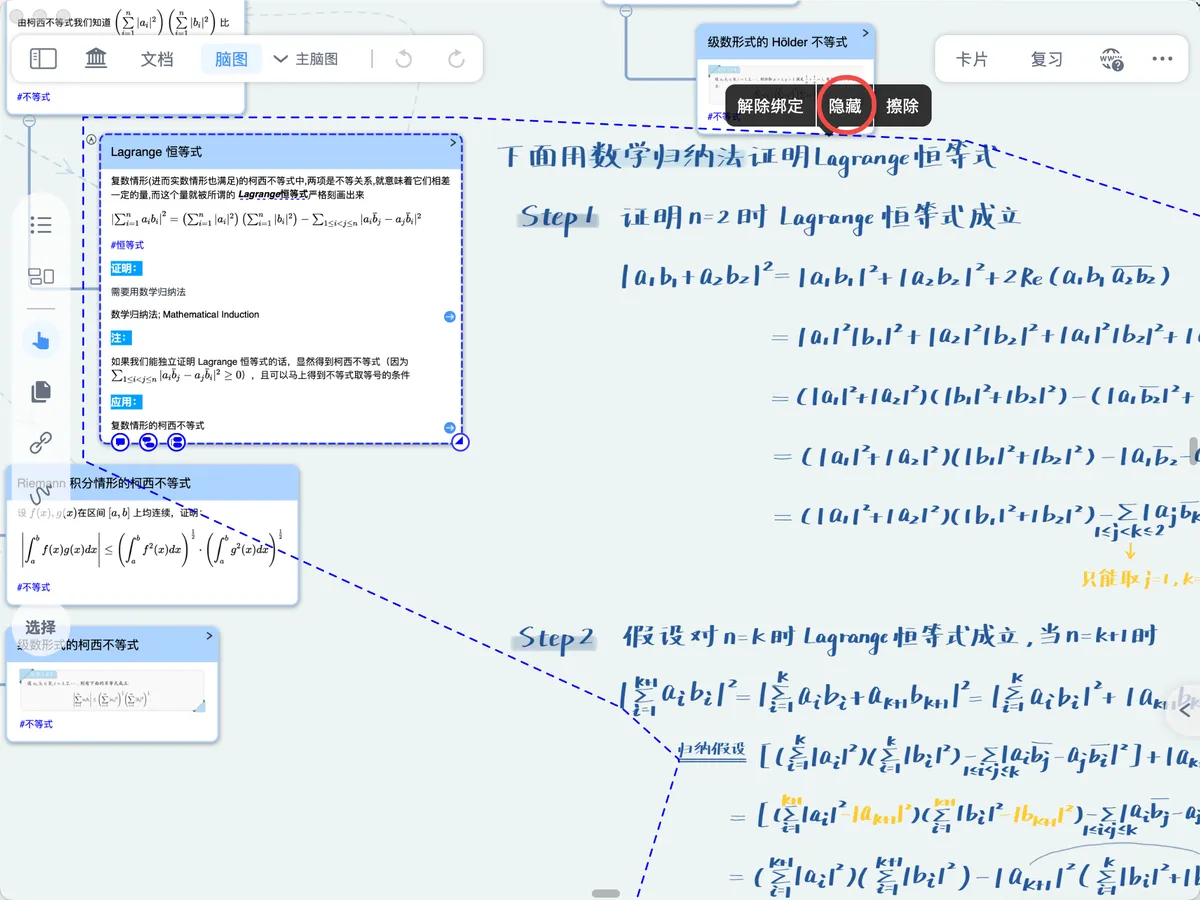
Enable the hidden state for already-bound handwriting, and the handwriting is hidden
Hiding handwriting mainly affects the display state during review; it does not change the structure of your original notes
-
Look at the card and recall the knowledge associated with it. Here, for example, it is a theorem's proof: first state the key conclusions and steps aloud, then reveal the handwriting to check; if you can only recognize it but not recite it, you still need more reinforcement.
-
When you have finished recalling, select the card, and the bound handwriting is shown temporarily so you can check your memory
Recall each card for 5–10 seconds first, then tap to reveal and check, so that reviewing while looking does not turn into passive browsing.
2 Title Spot-Check: Quickly Review the Structural Framework


If you are using title spot-checks or branch-expansion review, you can start right away. Put all cards into abbreviated mode and recall their contents.
-
To start recalling, turn on
Title-Only- Tap the horizontal three-dot menu in the top-right corner of the study set
- In the settings menu, find
Title-Onlyand turn onTap to View Full Card
-
Recall the card content; selecting a node card displays the card content so you can check your memory
3 Level-by-Level Mind Map Expansion: Test Memory Depth in Layers
Use the tree-structured mind map's level-by-level collapsing and expanding to aid recall. Collapsing/expanding is just a display-state adjustment and does not delete any node content.
3.1 Collapse All Branches
-
Before recalling, collapse all branches first
Collapsing first forces you to begin recalling from the "structure," preventing local details from pulling your attention away at the start.
-
Tap the
minus collapse symbolthat follows the node card
-
Collapse all child nodes at once from the menu
- Select the parent node card, then tap
Basic - Morein the pop-up menu - In the menu, choose
Collapse
- Select the parent node card, then tap
-
3.2 Expand Level by Level to Verify
-

Recall the content of child node cards, expanding branches level by level to verify your memory
We recommend that, before expanding each level, you first describe that level's key points and relationships to yourself, then expand the next level to check. If recall stalls broadly after expanding a certain level, mark that branch as a focus area for the next review round.
- Tap the **
+** that follows each node in turn - Select the parent node and use the shortcut keys 1 2 3 4 5 to expand the corresponding first-, second-, and third-level branches level by level
- Tap the **
4 Recall-Writing Method: Write Out a Child Mind Map from Memory
Create a new child mind map to write out and recall the mind map structure. This suits learners who have already completed a round of study and built a complete key-point knowledge framework for the subject, and who want to recall and reconstruct it after some time—for example, during a weekly review or final pre-exam review.
- Create a new blank child mind map and write out the knowledge framework from memory on it
- Open the main mind map and switch the child mind map to floating mode so you can check your memory